
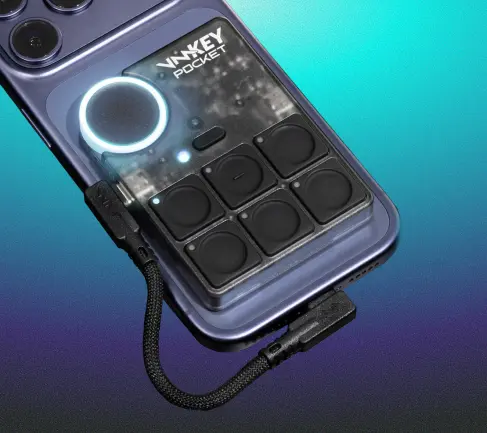
Unlock real-time voice changing and soundboards on PlayStation 5 and PlayStation 4. Just connect your controller, smartphone, and headset to the VMKey Pocket.
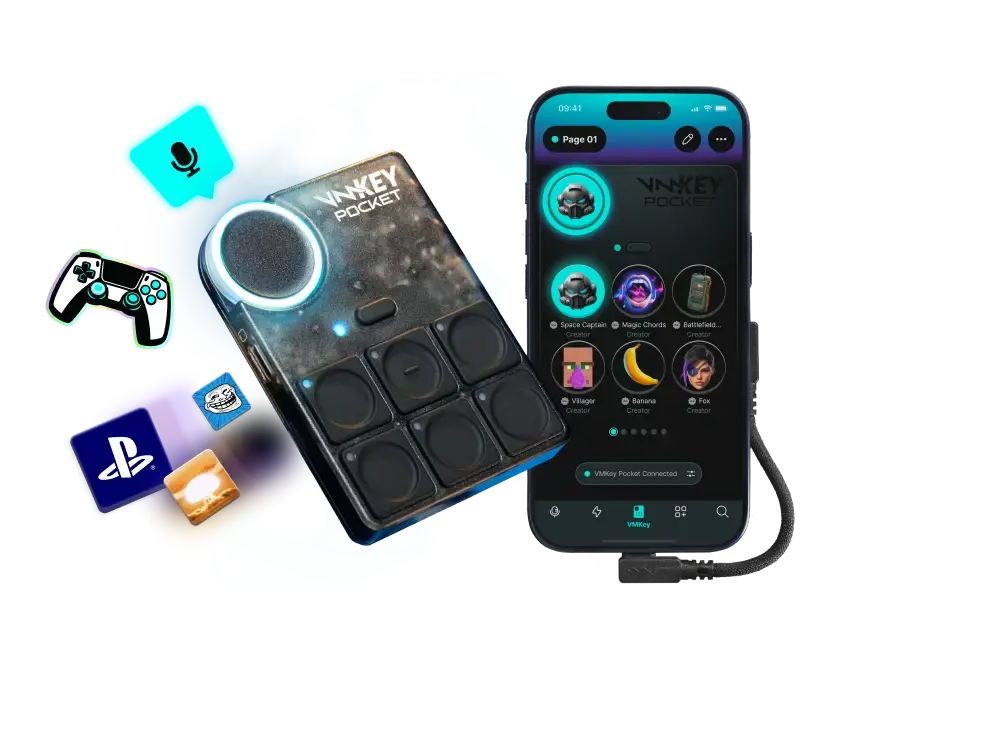
Playstation Voice Changer
COMPATIBLE WITH







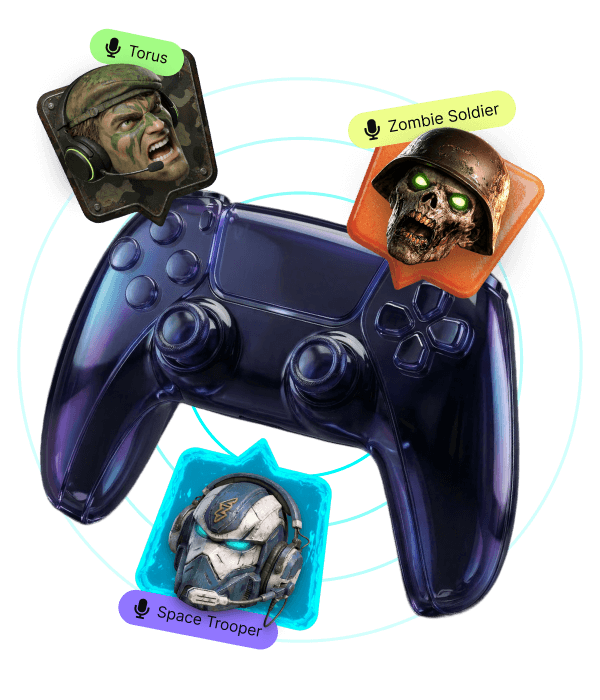
Unlock real-time voice changing on PlayStation.
Instantly and seamlessly modify your voice when playing online. No lag, no fuss!
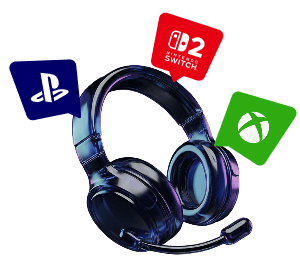
Works wherever you hang out online
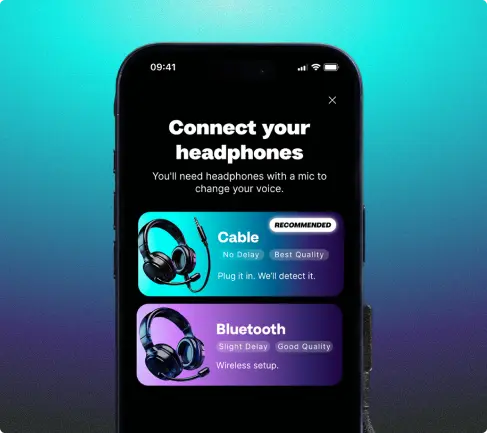
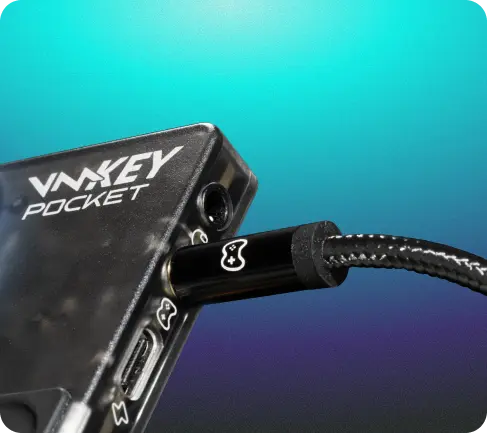
VMKey Pocket connects to your phone, controller and headset, unlocking voice changers and soundboards across PlayStation.
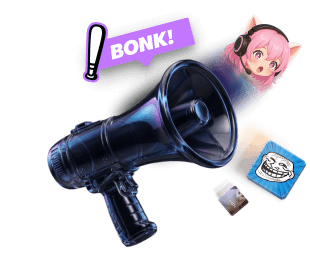
Hundreds of Voice Filters & Endless Sounds
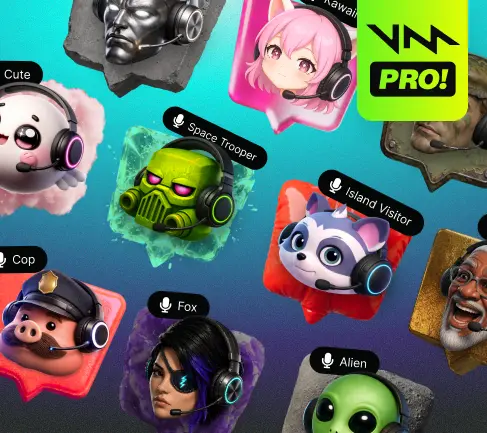
Level up with 200+ voice filters and 300,000+ sound effects available from the mobile app.
Change Your Voice in Real Time on Consoles



FOUNDERS EDITION - LIMITED UNITS -
FOUNDERS EDITION - LIMITED UNITS -
Make your PlayStation gameplay sound legendary
Give your voice a twist. With real-time voice changing and soundboards straight to your PlayStation, every chat, match, race, or raid gets an instant upgrade. 200+ Voices and endless sounds, you get to chose fun, memes, or complete chaos. Whether you chose to connect through the VMKey Pocket or PC is up to you!

How to use Voicemod with PlayStation Remote Play on PC
Just connect Voicemod to PS Remote Play and follow these quick steps:
-
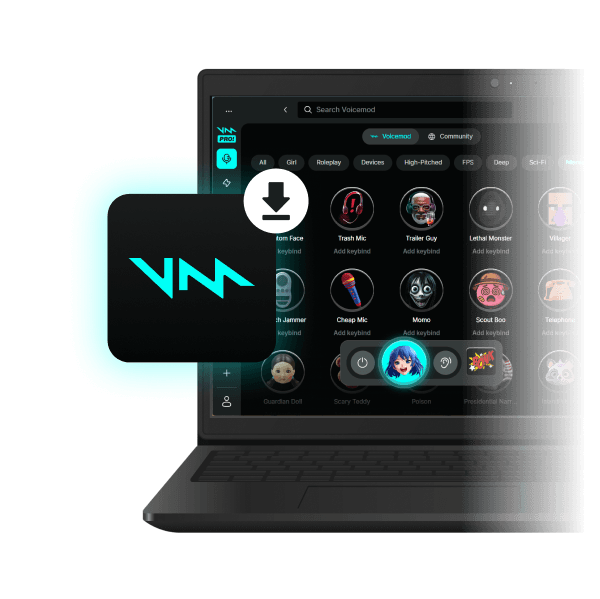
1. Download and install Voicemod
Download Voicemod for free, and follow the set up instructions. Keep it open, and set up your mic and speakers.
-
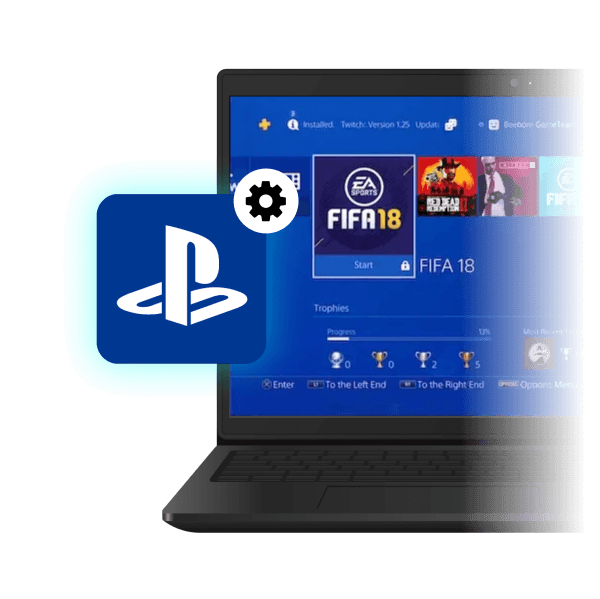
2. Enable Remote Play on your PlayStation
On your PS5 or PS4, go to Settings > Remote Play > Enable Remote Play. Then, download the Remote Play app on your PC and log in with your PlayStation account. Sign in and connect to your PS5 or PS4.
-
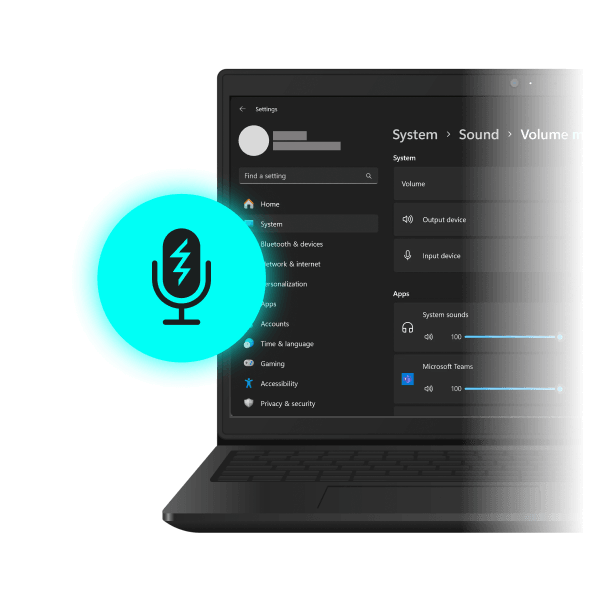
3. Select the Voicemod mic
In your PC sound settings, choose Voicemod Virtual Audio Device (WDM) as your default mic. Now you’re ready to jump into party chat with a brand-new voice, drop sound memes, and unleash pure chaos.

Works wherever you hang out online.
Not only in voice apps like Discord, but also in-game voice chats.





































FAQ
-
How can I use sound effects on console?
The VMKey Pocket brings real-time voice changing and soundboards to your console setup, whether you play on PlayStation 5, PlayStation 4, or Xbox. Just connect your controller, smartphone, and headset to the VMKey Pocket, and you’re ready to drop Soundboard clips straight into voice chat while you play. Fire your sounds from your phone, keep your hands on the game, and bring the same effects most console players miss out on.
-
How can I prank on PlayStation voice chat?
Download Voicemod to drop voice memes or completely transform your voice, all with a single-key shortcut. Voicemod connects to your PlayStation through the Voicemod Key Pocket: just link your controller, smartphone, and headset, and you’re ready to prank away on PS5 and PS4. Hit your friends with a voice they don’t recognize, or fire off a surprise Soundboard clip and watch the reactions roll in.