
The best free AI voice changer and soundboard for GTA Online. Easy to install, works with FiveM and any voice chat you’re already using. Change your voice in real time and drop the perfect meme on your game sessions or streams.

Voice Changer & Soundboard for GTA






See Voicemod in action on FiveM & GTA
Change your voice. Become anyone in GTA Online.
Give your new character the voice they deserve. Choose from 200+ voices, from deep and intimidating, to robotic, or hilariously unhinged, and own every heist in GTA online. Powered by AI. So real, your crew will never guess you’re using a voice changer.

Create your own voice with Voicelab.
Can’t find it? Build it. Voicelab gives you full creative control: pick a character, tweak the pitch, shape the tone, add a background, and play until it sounds exactly like the one in your head. No skills needed. Start from scratch or remix an existing voice to make it yours.

The best unlimited soundboard for GTA.
Fake a drive-by, blast police sirens or drop the perfect meme at the right moment. Browse and loot 800,000+ sounds from the community, upload your own, and build your perfect soundboard. Free and unlimited. New sounds drop daily, so you’ll always have the freshest memes ready to fire.

GTA Online voice changer for PS5 and Xbox.
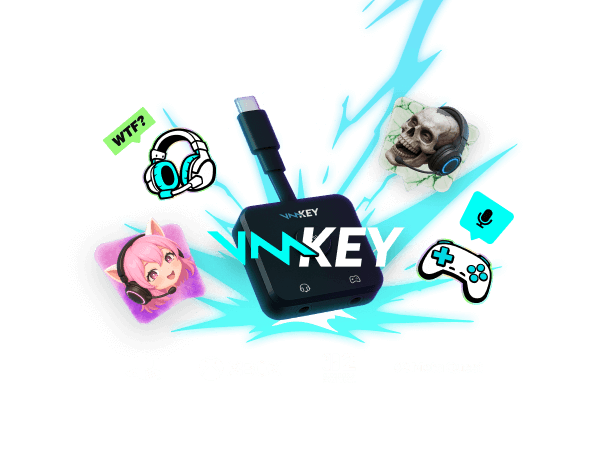
Voicemod also works on console. If you play GTA Online on PS5 or Xbox, Voicemod Key brings the same real-time voice changer and soundboard experience.

How to use Voicemod in FiveM
Getting started with Voicemod in FiveM is quick and easy:
1. Supercharge your mic
After download, we install a ‘virtual microphone’. This supercharges your sound!
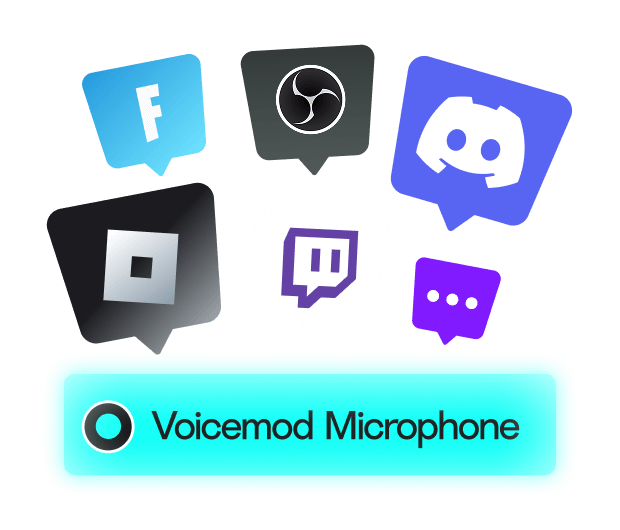
2. Set Up in FiveM
Change the default input device and select Voicemod Virtual Microphone in FiveM.
3. Blow minds
Choose your voice, drop some memes and jump into your favorite FiveM server (NoPixel, Eclipse RP, GTA World or your own crew’s server) ready to own the chat.
See Voicemod in action on Grand Theft Auto V
Why choose Voicemod?
Boost your mic
No matter your setup, you get built-in noise suppression and voice enhancement.

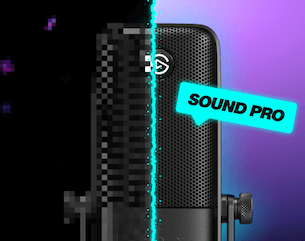
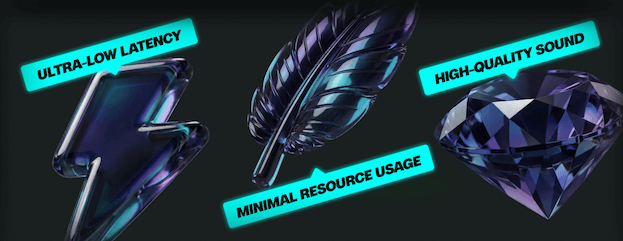
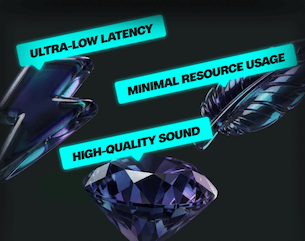
Optimized for gamers and streamers
Ultra-low latency and minimal resource use.
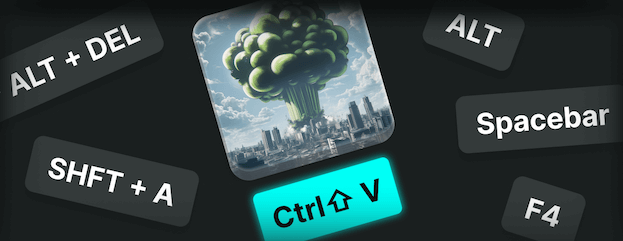
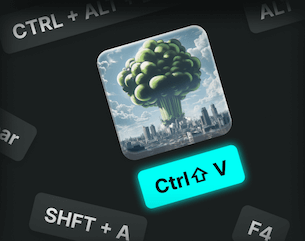
Add keybinds
Assign sounds to any key, and fire them off instantly.
AI voices trained with pro voice actors
Fairly Trained certified models.
Control Voicemod your way
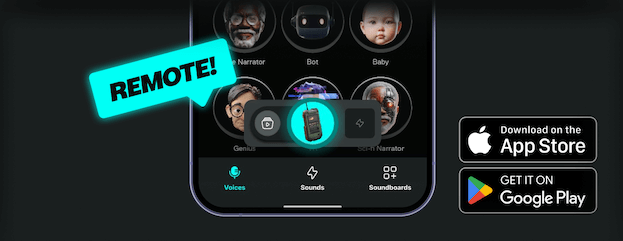
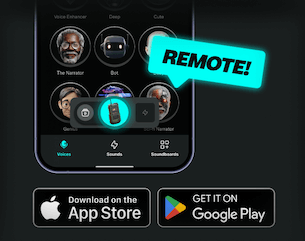
Connect your phone with Voicemod Soundboard App for instant remote control.
FAQ
-
Does Voicemod work with GTA V and GTA Online?
Yes. Voicemod runs on your PC and feeds your transformed voice into GTA’s built-in voice chat. Open GTA V’s audio settings, turn Voice Chat on, and set the input device to Voicemod Virtual Microphone. That is the whole setup.
-
Does Voicemod work with FiveM?
Yes. Voicemod works at the operating system level, so any voice system your FiveM server uses reads it like a normal microphone. Just select Voicemod Virtual Microphone as your input device in FiveM’s voice settings and you are good to go.
-
Can I use Voicemod on PS5 or Xbox?
Voicemod itself is PC software, but Voicemod Key is the physical version built for consoles. Plug it between your headset and your controller and you get the same real-time voice changer and soundboard on PS5 or Xbox.
-
Is Voicemod free?
Yes. Voicemod has a free tier with a rotating selection of voices and the full soundboard. Voicemod Pro unlocks the complete voice library permanently.
-
Does the voice changer have lag?
No. Voicemod processes your voice locally on your PC, so the transformation happens in real time with no noticeable delay. Your crew hears your new voice the moment you speak.
-
Can I use Voicemod with Discord while playing GTA?
Yes. Set Voicemod Virtual Microphone as your input in Discord and your transformed voice goes through both Discord and the game at the same time. Same voice, both chats.
-
Can I create my own GTA character voice?
Yes. Voicelab lets you build a voice from scratch using pitch, effects, distortion, and more. Save it as a preset, give it a hotkey and load it every time you play.