Take your squad chat to the next level, with a lag-free voice changer and soundboard for Fortnite.
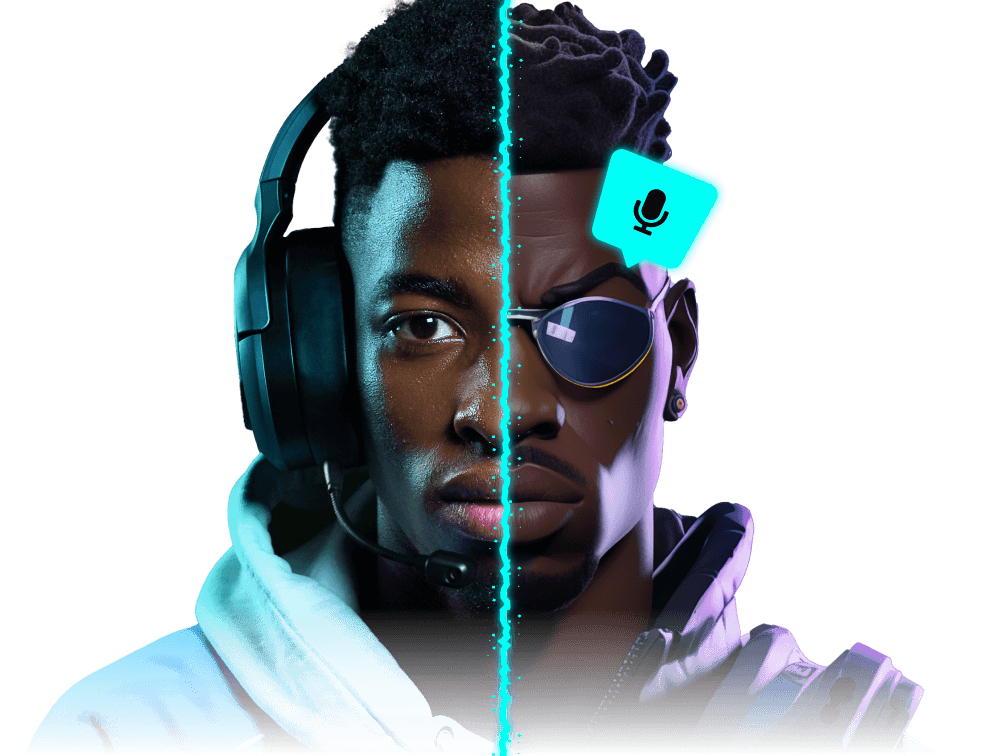
#1 Real-time voice changer for Fortnite






FREE VOICE CHANGER FOR FORTNITE
Get a Victory Royale and sound awesome doing so, with the best online voice changer app for Fortnite and beyond.
Whether you’re clinching victory in a Battle Royale, fighting off the elements in LEGO Fortnite, tearing up the track in Rocket Racing or spitting sick bars in Fortnite Festival, Voicemod’s voice changers and soundboards elevate your game!
Change your voice. Become anyone.
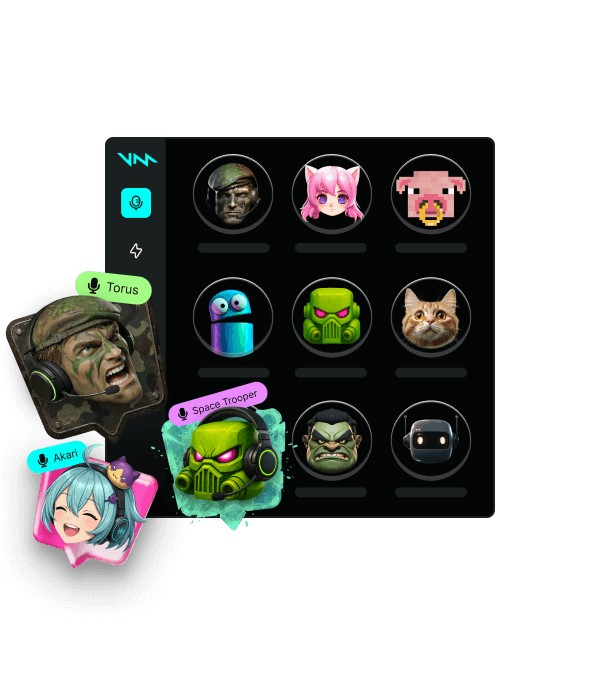
Gaming, streaming, or just vibing with friends? We got you. 200+ Voicemod voices—from AI anime waifus to Battlefield-style radios.
Drop sound memes, dominate the chat.
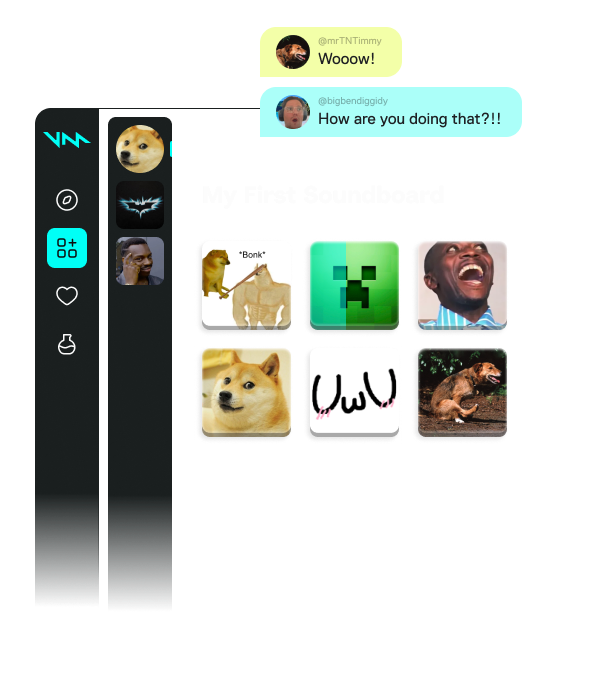
A sound is worth a thousand pictures. Add hilarious effects to your group chat and streams—find your sound and make others know about it.
Loot the Community for voices and sounds.
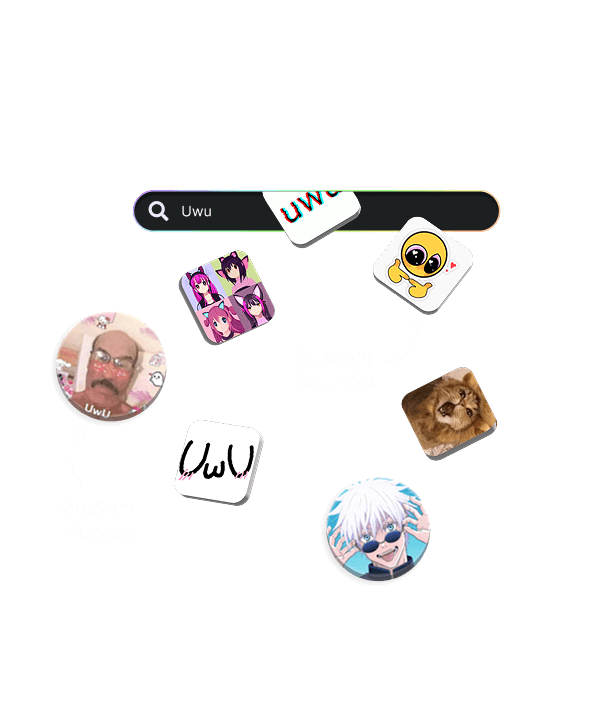
If a sound meme or voice filter exists, we have it. Stay on top of trends, pick your favorites, and add them to your soundboards. No uploads, no fuss.
Create or tweak any voice with Voicelab!
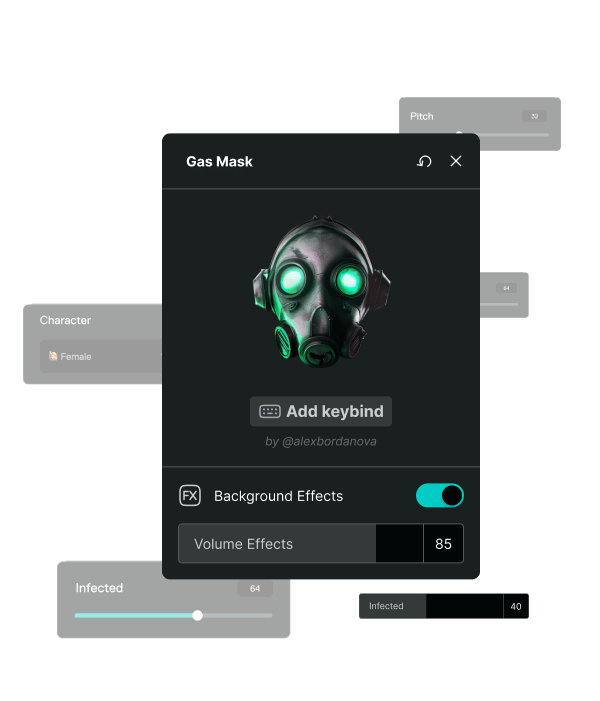
Can’t find the voice you want? Make your own or tweak existing ones! Voicelab lets you mix effects from Reverb and Delay to wild ones like Robotifier.
Record sound memes from any source.
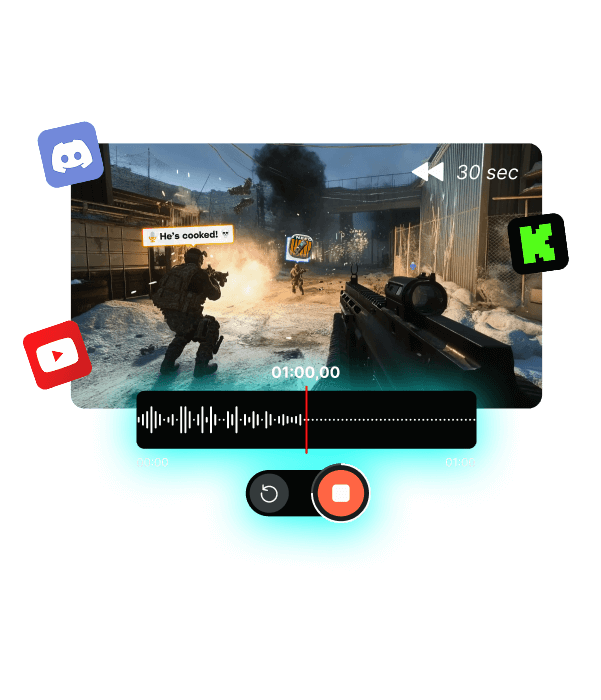
From YouTube to in-game—capture and add sound clips straight into your soundboards! Missed the moment? Instant Replay lets you rewind up to 30 seconds and relive the hype.
See what the community is up to!
FORTNITE IS BETTER WITH VOICEMOD
CHANGING YOUR VOICE ON FORTNITE
Change your voice in Fortnite just as easily as you change your in-game skin. Throw off pursuers by speaking in the voice of an innocent girl, before unleashing fury. Create immersion by matching your voice to your avatar—playing as a robot? We have a voice for that. An armored demon? Yep, we can make you sound like that. A walking corn on the cob? We… yes, actually. We do have a voice for that.
Want to sound incredible while singing in Fortnite Festival? Apply some of our voice changer effects and… boom! You’re a rock superstar. And it’s all for free.
WE HAVE SOUNDBOARDS TOO!
That’s right, it’s not just voice changers—Voicemod gives you the world’s best soundboards for Fortnite, too! Assemble a huge collection of sound memes, organize them however you like, and begin dropping them into every game of Fortnite you play. Show off on stream with music and voice lines as you get closer to a victory. Add any sound at all to your Rocket Racer. Drop the sound of tumbling blocks in LEGO Fortnite.
Take your meme collection further—our soundboards work anywhere you use your mic to communicate. No limits, no fuss!
FIND ANY SOUND EFFECT WITH THE VOICEMOD COMMUNITY
With the Voicemod Community, you’ll find new sounds and voices every time you look! Over 300,000 sounds curated and uploaded by users like you, with more added every day. Looking for the perfect Fortnite meme soundboard? Search sounds by tags, and add them to your own soundboards with just one click. It’s not just sounds—browse for new voices, built by the Community and uploaded for free, and add those, too!
That’s not all—if you’ve got a sound you want to share with the world, you can upload it to the Community, add artwork and tags, and unleash it on every Voicemod user. GG.
Works wherever you hang out online.
Not only in voice apps like Discord, but also in-game voice chats.


































How to use Voicemod with Fortnite
Putting together your perfect sound, only to find you can’t use it wherever you like, is frustrating. Voicemod is different.
We install a ‘virtual microphone’—this means that your voice changers and soundboards are independent of the games and apps you use them with! Dropping sound memes on Discord? Easy. Using those same sounds in Fortnite? Absolutely. No uploads, no limits!
There are three simple steps to getting Voicemod and Fortnite to play nice together:
-
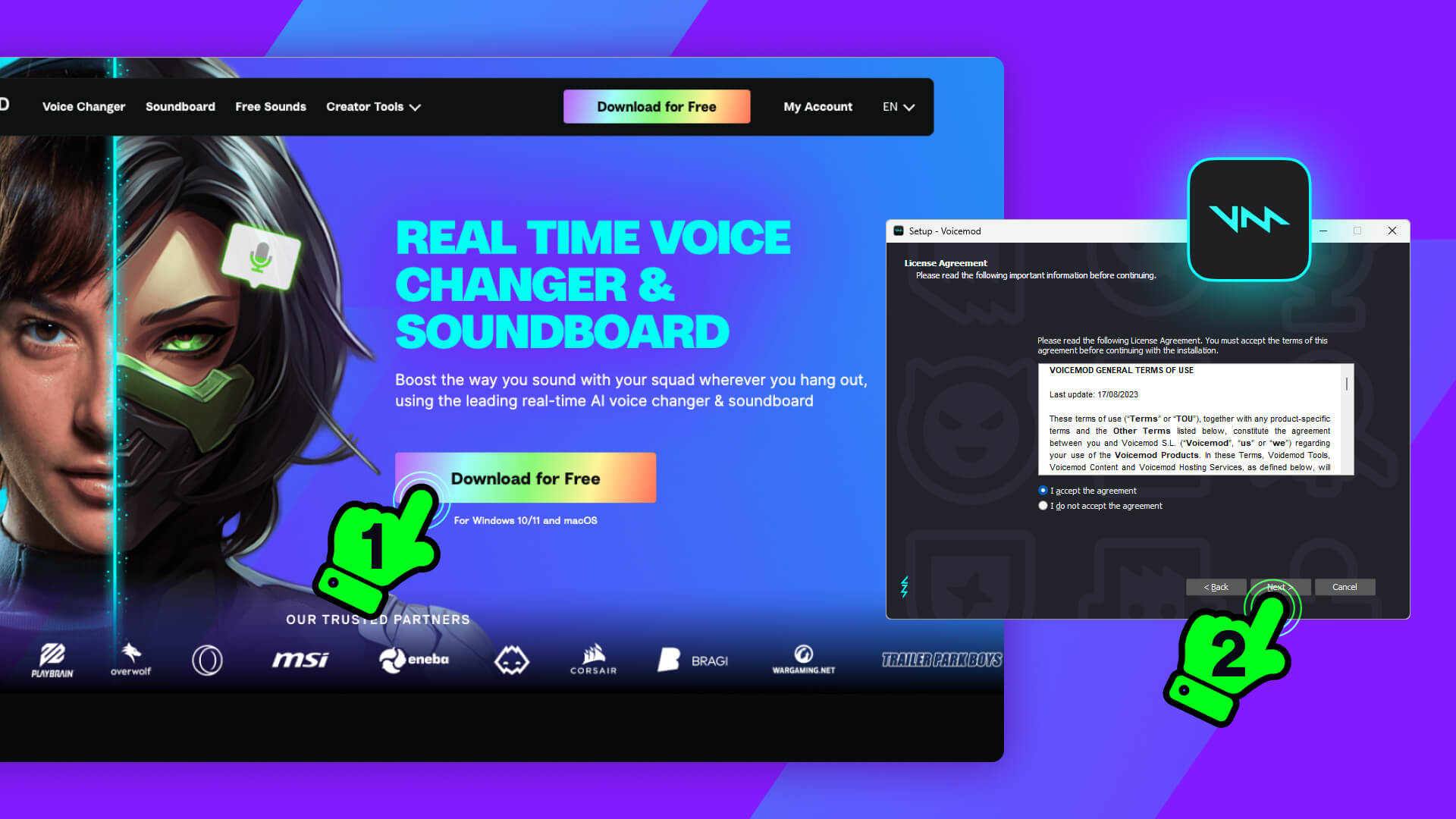
Download and install Voicemod on your PC or Mac.
This is the easiest part—just grab our installer and follow the instructions.
-
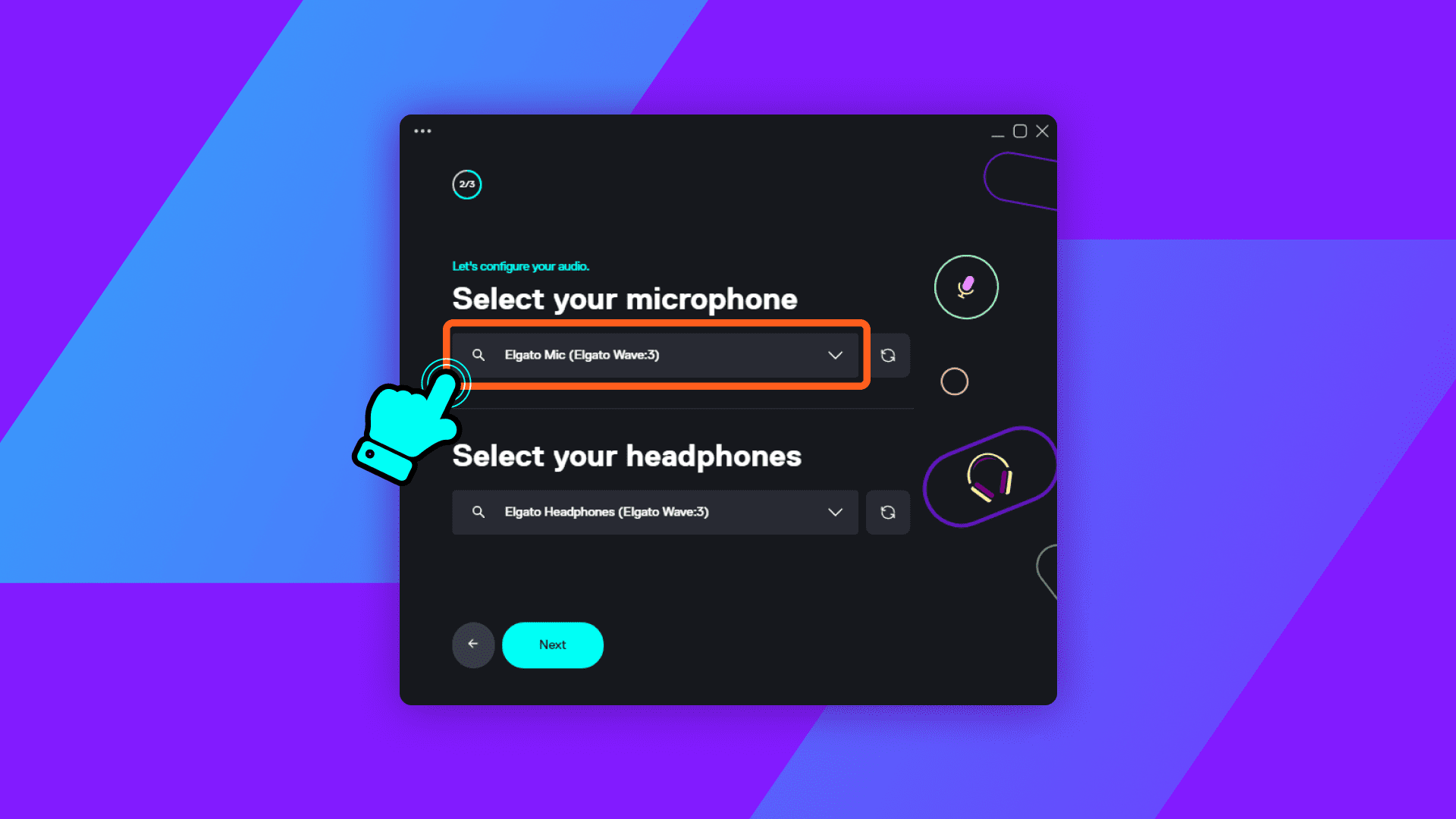
Plug in your mic.
This is important! Make sure your mic and headset are plugged in, and that they’re working.
-
Open up Fortnite.
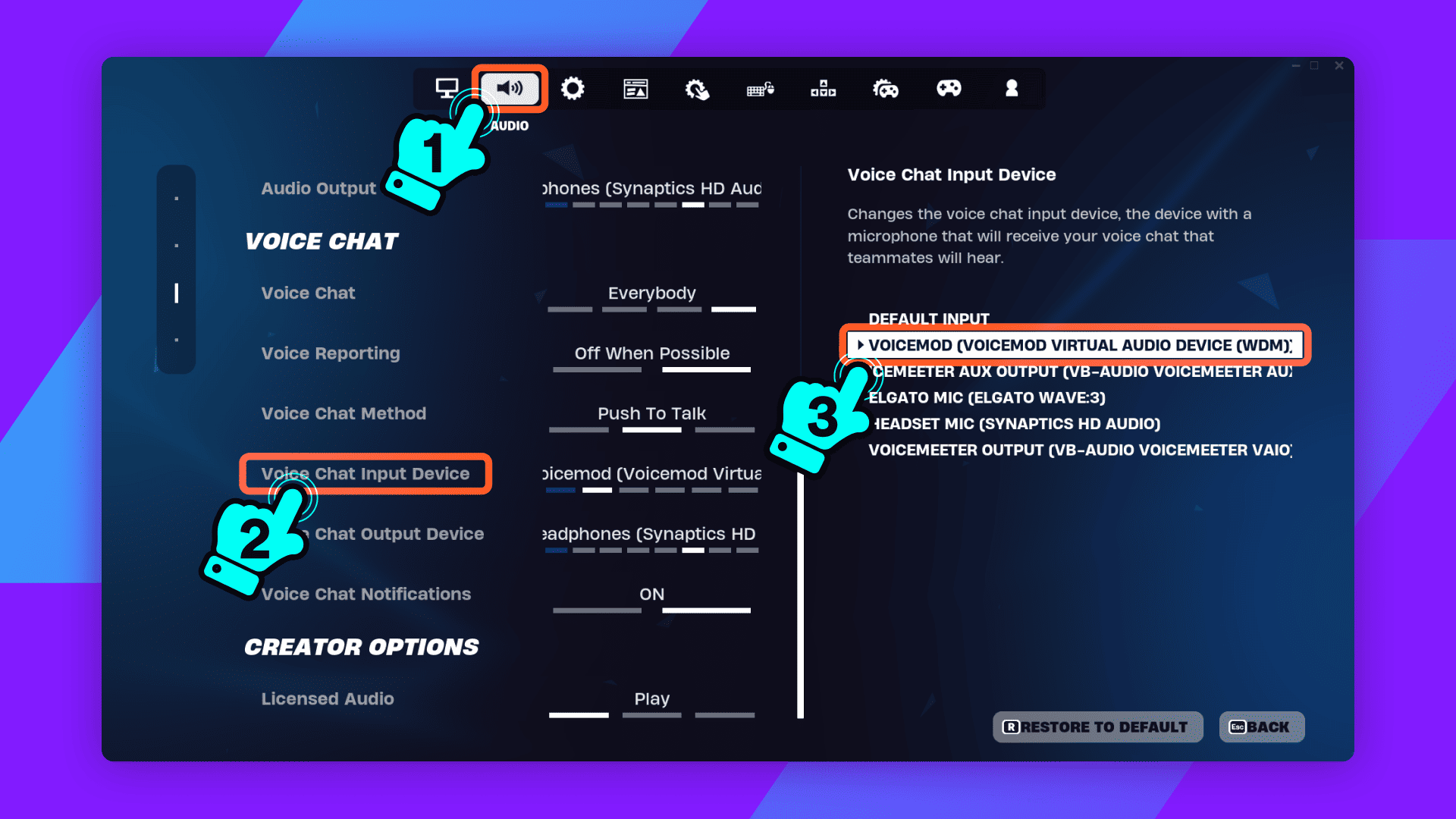
Select ‘Settings’, then ‘Audio’. Now, where you see ‘Voice Chat Input Device’ and ‘Voice Chat Output Device’, select ‘Voicemod Virtual Microphone’. That’s it—ready to rock!