ARC Raiders

Own the Extraction like a Pro!

Ready to dive into the chaos of ARC Raiders and come out laughing? With Voicemod at your side, transform your in-game banter into legendary moments. Use our expert voice changers to nail that tactical talk or throw your mates off with an ARC-inspired mechanical twist. Get ready to ping enemies and nail that loot with style—because in the world of ARC Raiders and Voicemod, ‘I made it right’ is more than just a rallying cry; it’s a whole vibe.
Download for Free For Windows 10/11 & macOS

Watch it! ARC Raiders & Voicemod in action

Ready to drop into a world where you can sound as tactical as a seasoned soldier, or as hilariously bot-like as your favorite ARC machine villain? Worry not, we’ve got the voice magic you didn’t know you needed.

Change your voice. Become anyone.


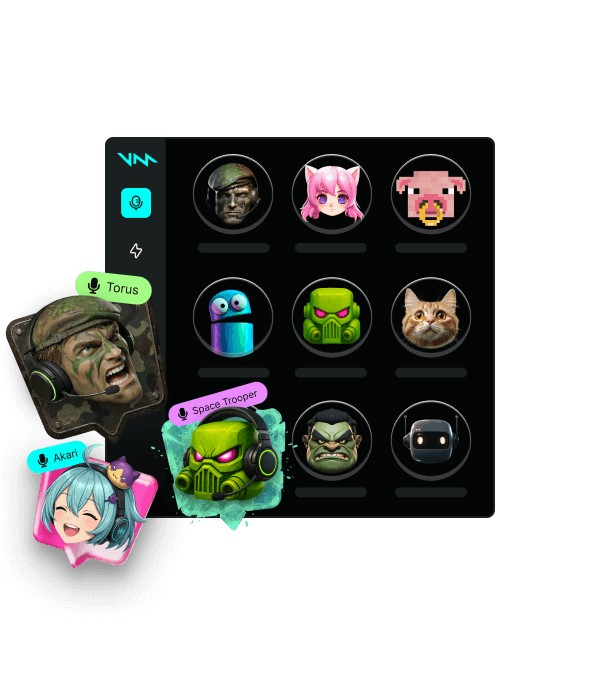
Gaming, streaming, or just vibing with friends? We got you. 200+ Voicemod voices—from AI anime waifus to Battlefield-style radios.

Learn more about Voice Changer
Voicemod Voices

Drop sound memes, dominate the chat.

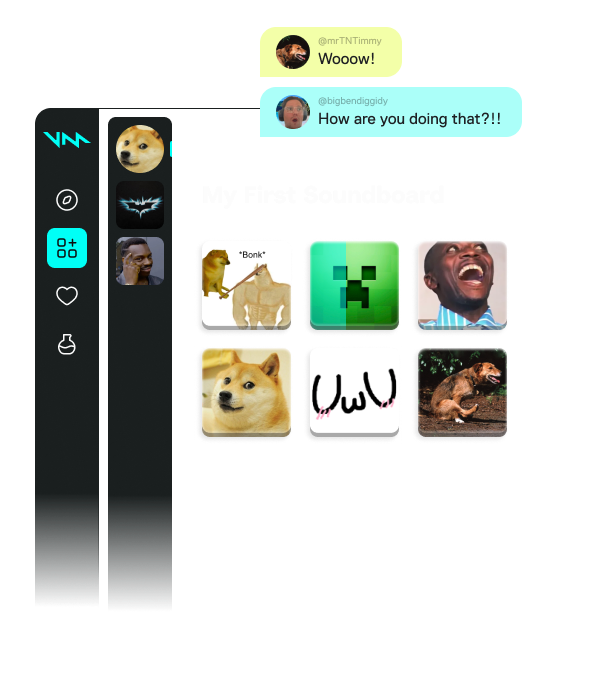
A sound is worth a thousand pictures. Add hilarious effects to your group chat and streams—find your sound and make others know about it.

Learn more about Soundboard
Voicemod Soundboard

Loot the Community for voices and sounds.

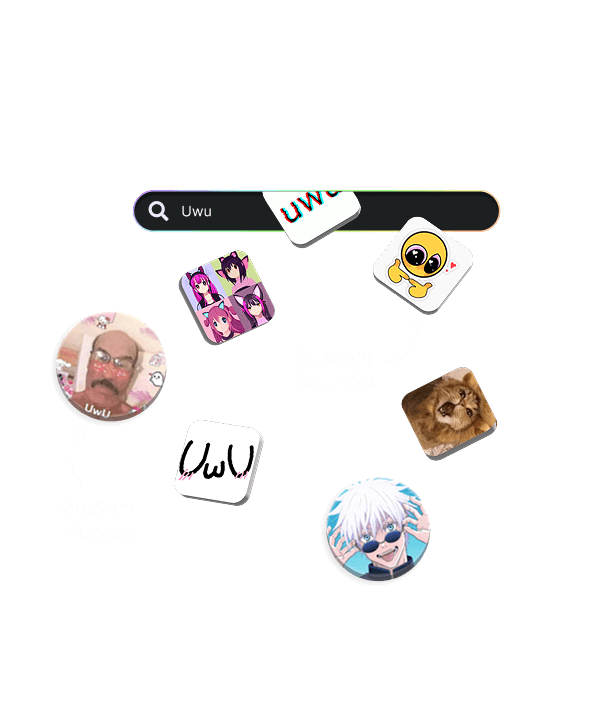
If a sound meme or voice filter exists, we have it. Stay on top of trends, pick your favorites, and add them to your soundboards. No uploads, no fuss.

Check it out!
Voicemod Sounds

Create or tweak any voice with Voicelab!

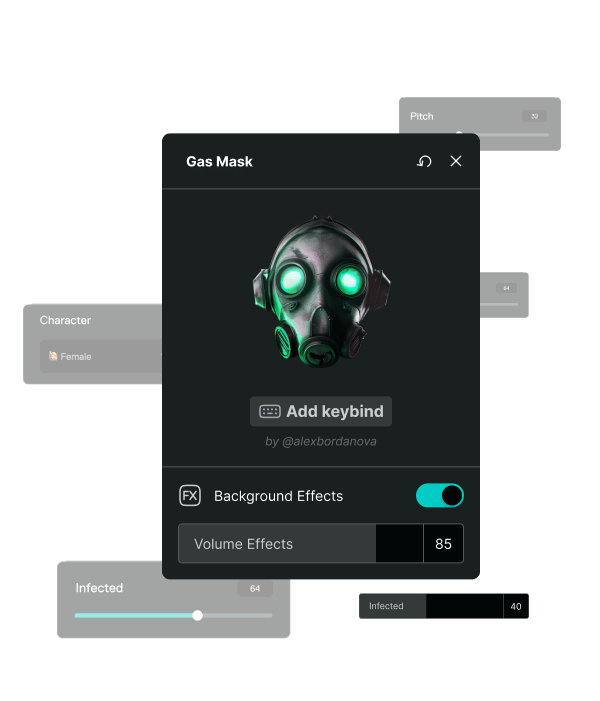
Can’t find the voice you want? Make your own or tweak existing ones! Voicelab lets you mix effects from Reverb and Delay to wild ones like Robotifier.

Learn More about Voicelab
Voicemod Voicelab

Record sound memes from any source.

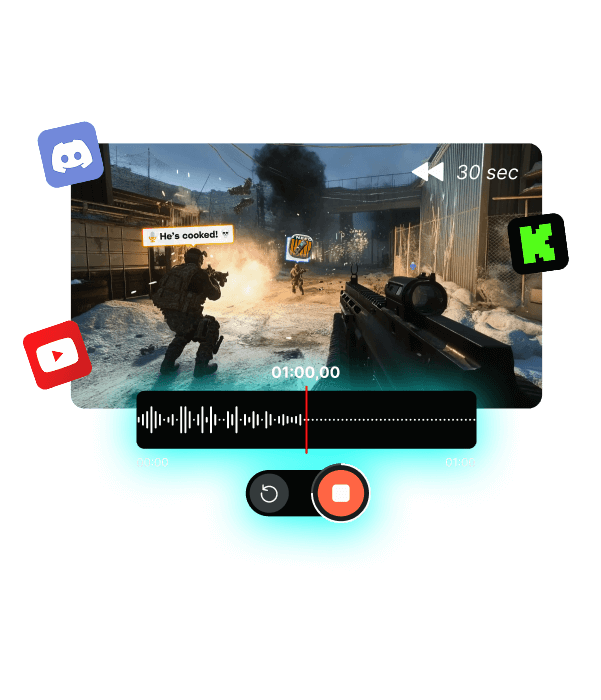
From YouTube to in-game—capture and add sound clips straight into your soundboards! Missed the moment? Instant Replay lets you rewind up to 30 seconds and relive the hype.

Check Voicemod Recorder
Voicemod Recorder

How to setup Voicemod

There are three simple steps to getting Voicemod working on your computer:

  1. Download Voicemod

    Download the free Voicemod app on your computer, and sign in.

    Voicemod compatibility
  2. Install Voicemod

    Follow the instructions to install Voicemod on your computer.

    Setup your mic
  3. Change your audio settings

    Open your audio settings and change your input device to “Voicemod Virtual Device”. Ready!

    Install Voicemod

Works wherever you hang out online.

Not only in voice apps like Discord, but also in-game voice chats.

Follow us for more!
Facebook Instagram YouTube LinkedIn Tik Tok Discord Reddit Naver Cafe X Android Apple Twitch Dollar