
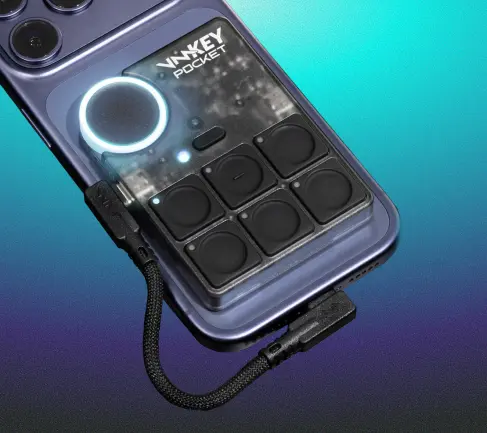
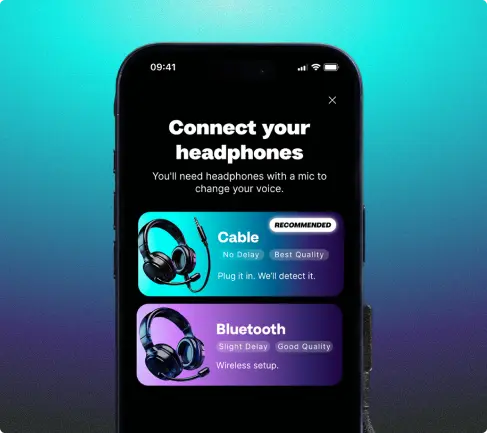
Unlock real-time voice changing and soundboards on Xbox Series X, Series S, or Xbox One. Just connect your controller, smartphone, and headset to the VMKey Pocket.

Xbox voice changer & Soundboard
COMPATIBLE WITH







Unlock real-time voice changing for Xbox
Instantly and seamlessly modify your voice when playing online. No lag, no fuss!
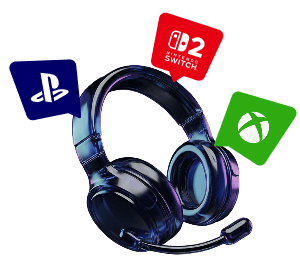
Works wherever you hang out online
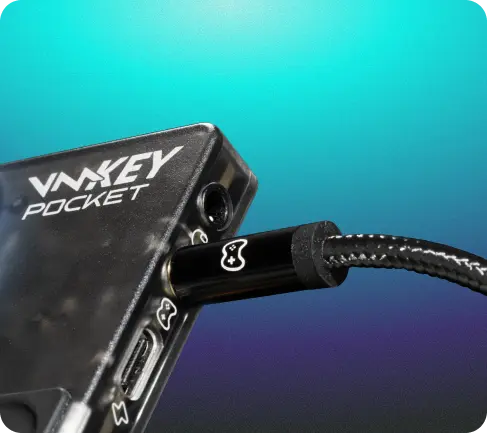
VMKey Pocket connects to your phone, controller and headset, unlocking voice changers and soundboards across all Xbox games.
Hundreds of Voice Filters & Endless Sounds
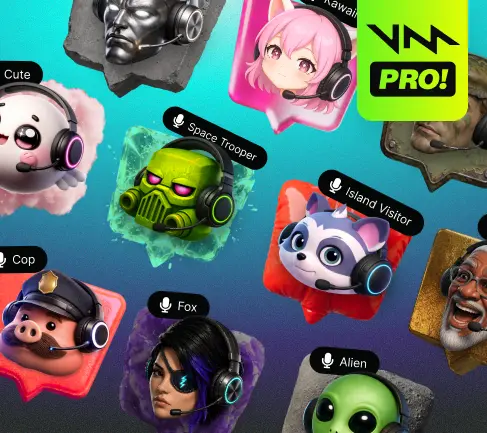
Level up with 200+ voice filters, 300,000+ sounds, and soundboard creation.
Change Your Voice in Real Time on Consoles


FOUNDERS EDITION - LIMITED UNITS -
FOUNDERS EDITION - LIMITED UNITS -
Make your Xbox gameplay sound legendary
Give your voice a twist. With real-time voice changing and soundboards straight to Xbox every chat, match, race, or raid gets an instant upgrade. 200+ Voices and endless sounds, you get to chose fun, memes, or complete chaos. Whether you chose to connect through the VMKey Pocket or PC is up to you!
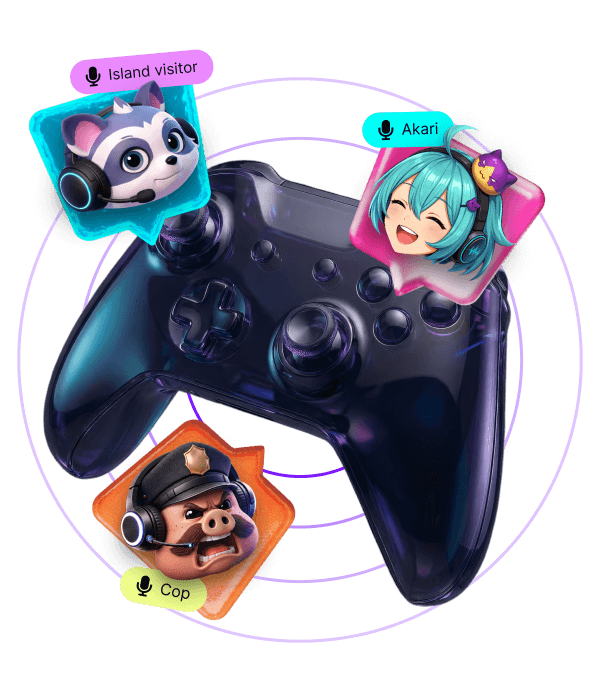

How to use Voicemod with the Xbox PC app
Just open the Xbox app for Windows PC and follow these quick steps:
-
Download and install Voicemod
Download Voicemod for free, and follow the set up instructions. Keep it open, and set up your mic and speakers.
-
Download the Xbox app for Windows
Make sure to download and log into your Xbox account on your PC. One more step and you’re ready!
-
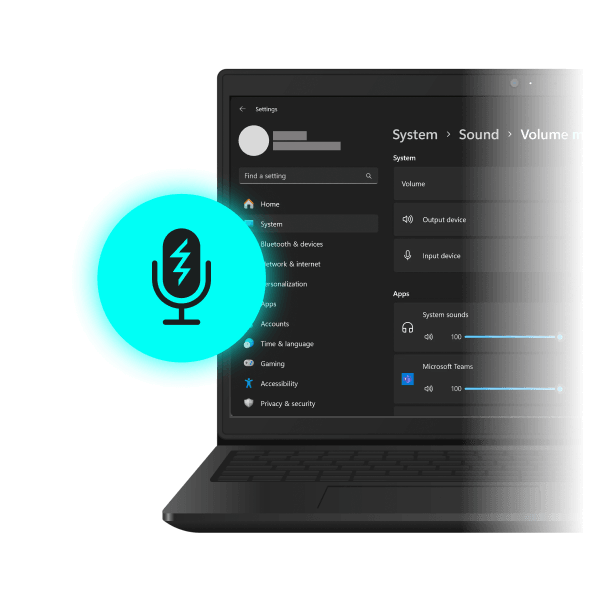
Select the Voicemod microphone
In the Xbox app settings > Audio > Input Device, change your mic to the Voicemod Microphone. You’re ready! The clean mic will keep you sounding crisp, or drop a whole brand-new sound. Unleash the chaos!

FAQ
-
How can I use sound effects on Xbox?
VMKey Pocket brings your Soundboard to Xbox. Connect your smartphone and headset to the VMKey Pocket, then fire sounds straight into party and game chat while you play, all triggered from your phone so your hands stay on the game.