
Survive the alien ocean. Sound like you belong down there. Voicemod gives you the real-time voice changer, soundboard and AI voices for Subnautica 2. Dive in!
Subnautica 2 voice changer & soundboard
Change your voice (even if you're 2,000 meters down)
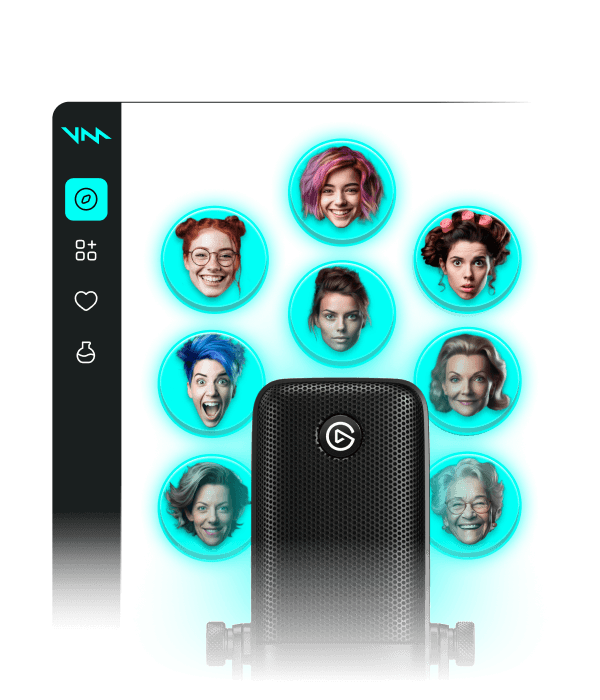
Explore the depths of Subnautica 2 with a voice that matches the world around you. Voicemod runs in the background while you play, transforming your voice with no lag (and no oxygen tank required). Dive into Subnautica sounding an underwater robot, a deep-sea creature, an anime girl, or whatever your survival story needs. You can also customize your own voice in Voicelab.
The best soundboard for Subnautica 2
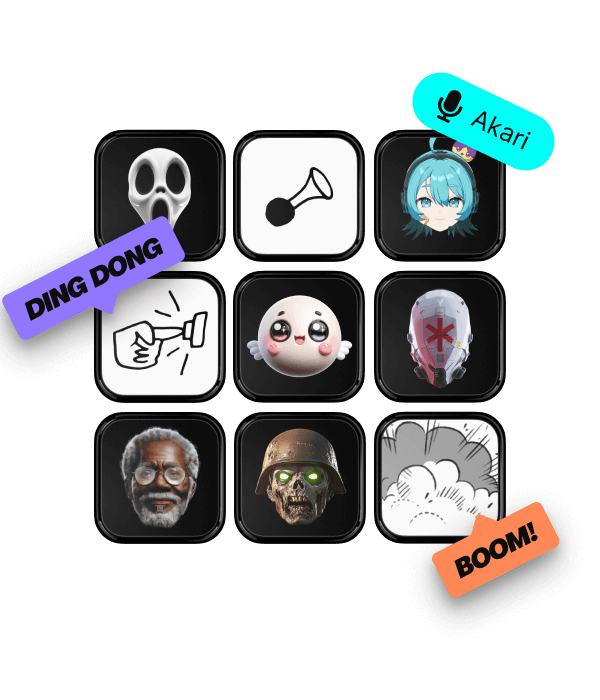
Drop a sonar ping when your crew goes quiet, trigger a Reaper Leviathan sound to scare your friends, or something totally unexpected. Upload your own sounds or grab them from Voicemod Tuna, then create unlimited unblocked soundboards for every dive.
Change your voice in your Xbox
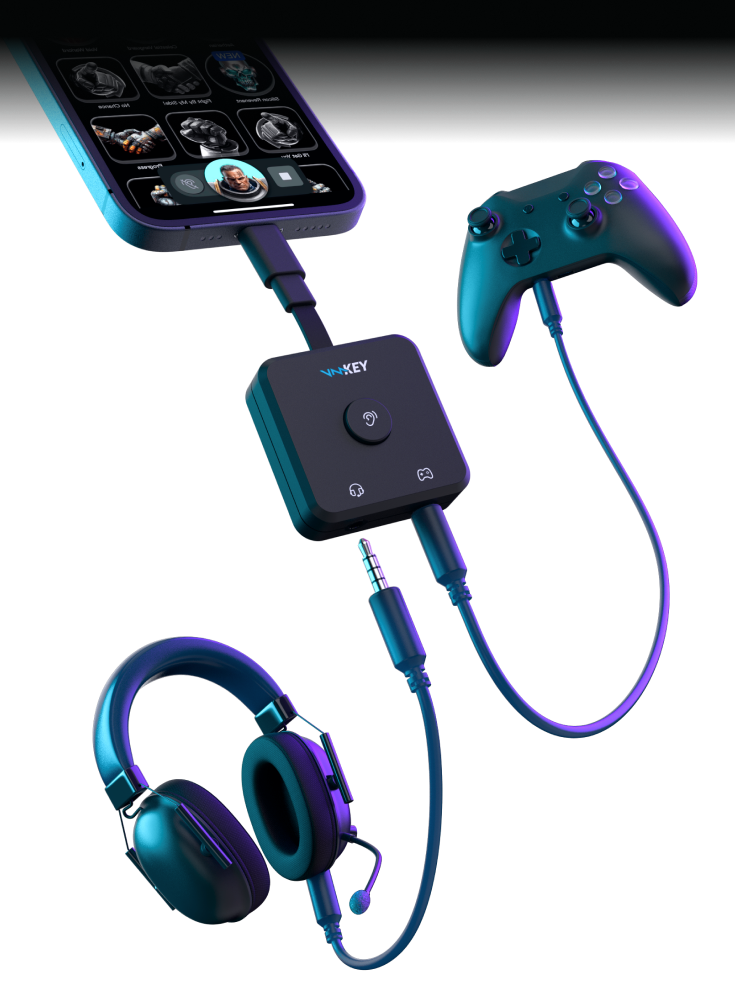
Playing Subnautica 2 on Xbox? Bring Voicemod Key into the deep and use your favorite voices and soundboards while you explore.
How does Voicemod work?
Getting started with Voicemod is quick and easy:
1. Supercharge your mic
After download, we install a ‘virtual microphone’. This supercharges your sound!
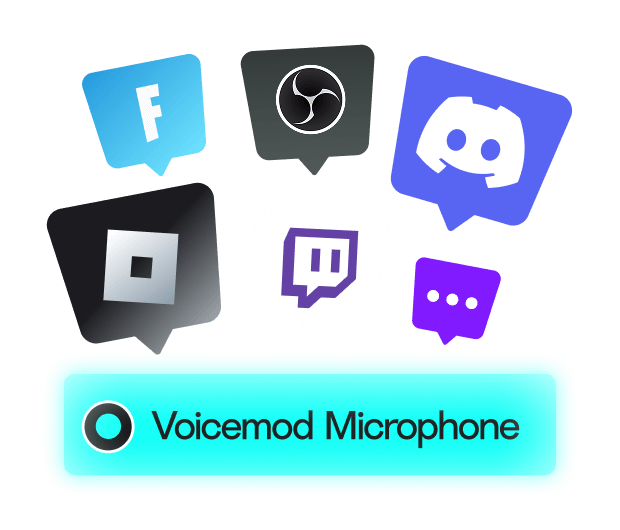
2. Set Up
Select ‘Voicemod Virtual Microphone’ as the input device in the app or game you’ll be speaking on.
3. Blow minds
Pick a voice, drop some memes and start boosting the way you sound.