
Forget complicated setups. Pitch-correct your voice in real-time with Voicemod across every game, chat and stream you’re on.
Autotune voice changer
See Voicemod autotune in action
Live pitch correction
Change the way you sound in real-time. Go smooth and urban with a T-pain vocal style, or keep it clean and natural with a crystal-clear pitch correction. Pick a ready-made autotune voice changer. Or build your own in Voicelab.
In every App, game or voice chat
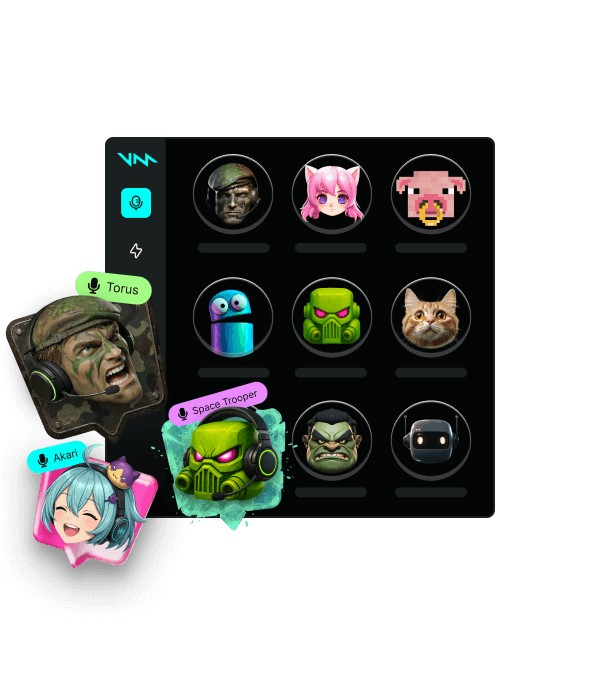
You don’t need a specific editing audio software or a complicated setup. Voicemod is easy to install and creates a “virtual microphone” that works everywhere: Discord, Zoom, Google Meet, WhatsApp, Teams and in-game voice chats.
Try our autotune voice changers
Voicetune™
 Official voice
Official voice

Magic Chords
Official voice
Official voice
Octaver
Official voice
Official voice
Robot
Official voice
Official voice
Trap Tune
Official voice
Official voice
Cybertune
Official voice
Official voice
How to use autotune with Voicemod
-
Install and set up Voicemod
Download and install Voicemod. Pick “Voicemod Virtual Microphone” as the input mic in your computer. You are ready to go!
-
Pick your autotune voice changer
From classic Magic Chords or Voicetune, to Trap tune, Robot or Cybertune. Pick your favourite autotune voice changer effect in Voicemod, and it will transform your voice instantly.
-
Craft your own voice in Voicelab
Need something more tailor-made? Cook your own voice recipe in Voicelab. Tweak your pitch, add resonance and, of course, add voicetune to have the autotune effect. You can even shift your voice gender (masculine, feminine or androgynous) or add layers like chorus and double tone for extra depth.
FAQ
-
How can I improve my voice with effects?
Voicemod processes your voice live. Pick from voice effects or turn on Voicetune to add real-time autotune, and everything applies instantly as you speak, whether you’re singing, streaming, or gaming.
-
Does Voicetune work live in Discord?
Yes! Once you select Voicemod as your microphone in Discord’s voice settings, Voicetune processes your voice in real-time. Everyone in your call hears the autotuned output as you speak.
-
Do I need any other software to use autotune with Voicemod?
Definetly no, Voicemod is the only app you need. Voicetune is built into it. You don’t need complicated audio pluggins or any DAW to get the autotune effect on your mic.
-
Does the autotune work while gaming?
Yes. Set Voicemod Virtual mic as your input device in your game’s audio settings, and Voicetune applies to your in-game voice chat. It works in Fortnite, Valorant, Call of Duty, and any other voice chat in your favourite game.